Insights
The Insights tab is for sprint reviews: what shipped in a stretch of time, and which work is stuck or risky. Everything comes from the repositories themselves. There's no account, nothing is stored about your history, and the tab never goes to the network unless you press Fetch. Anyone with the same repositories at the same commits, using the same window, sees the same numbers.
Opening it
- From the command palette: Insights for
. - Right-click a repository's tab and choose Insights.
The tab sits after your repository tabs, and it comes back where you left it when you restart.
What it looks at
The side panel holds everything a result depends on:
- Scope: one open repository, or a project group, whose repositories are combined. In a group, every item and branch says which repository it's from.
- Window: the last 7 days, 14 days, the month so far, or releases: everything between two releases. A release is a tag, or a Release branch, measured from where it split off the target. Releases are offered for a single repository with at least two of them. The window's exact dates are shown underneath, in UTC.
- As of: the point the window and branch ages are measured from. It's the date of the latest commit on the target branch, so "the last 14 days" means the 14 days up to that commit, not up to today, and the results don't drift as time passes. Pick a date instead measures to the end of a day you choose. In a group, the repositories share one as-of point, the latest of theirs, so their windows line up.
- Remote branches: when each repository last fetched. Other people's branches are only as current as that, so the tab offers Fetch (or Fetch all for a group). A fetch more than a day old shows in a warning colour.
The target branch is the one origin/HEAD points at, usually origin/main, or else your local main or master.
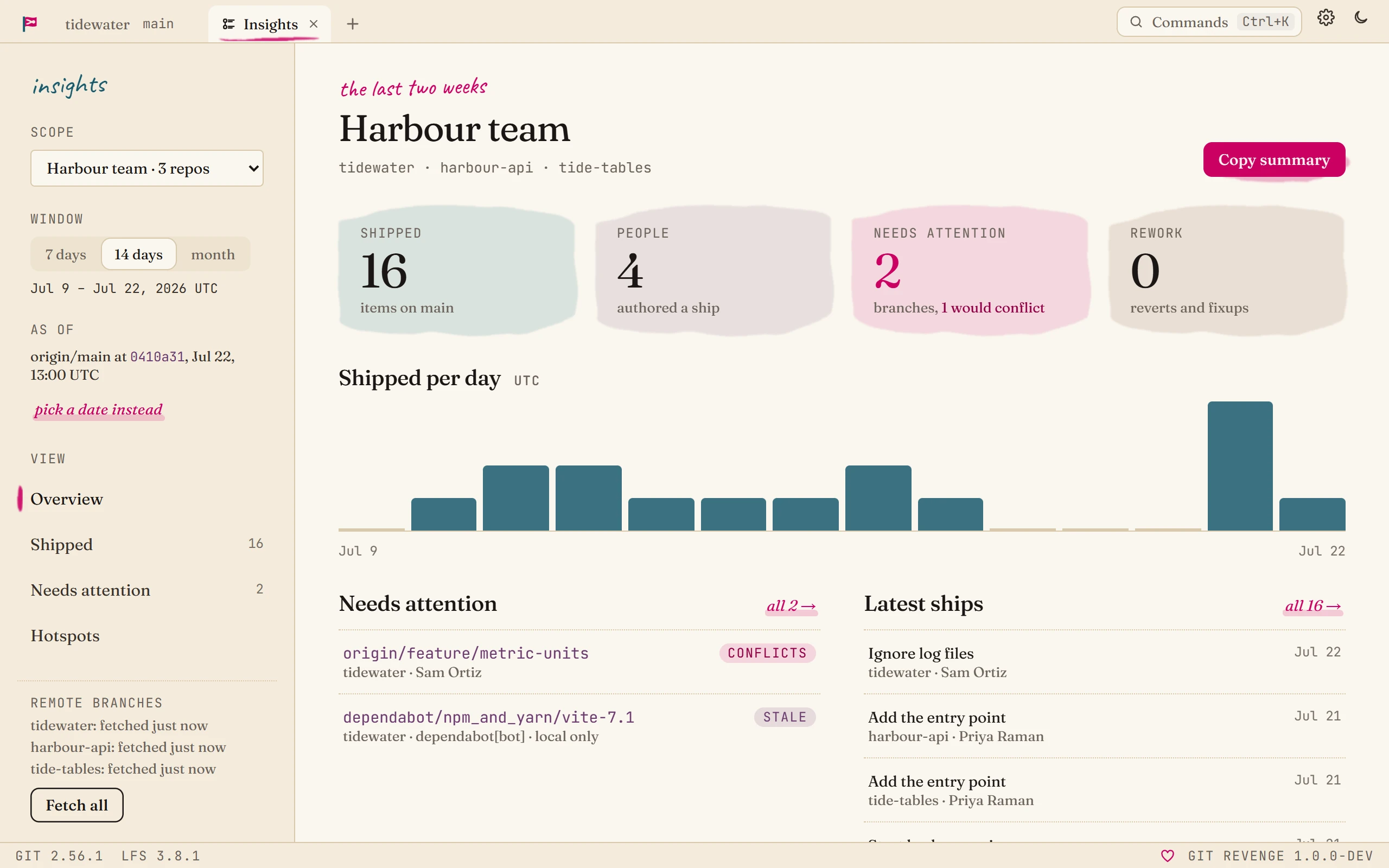
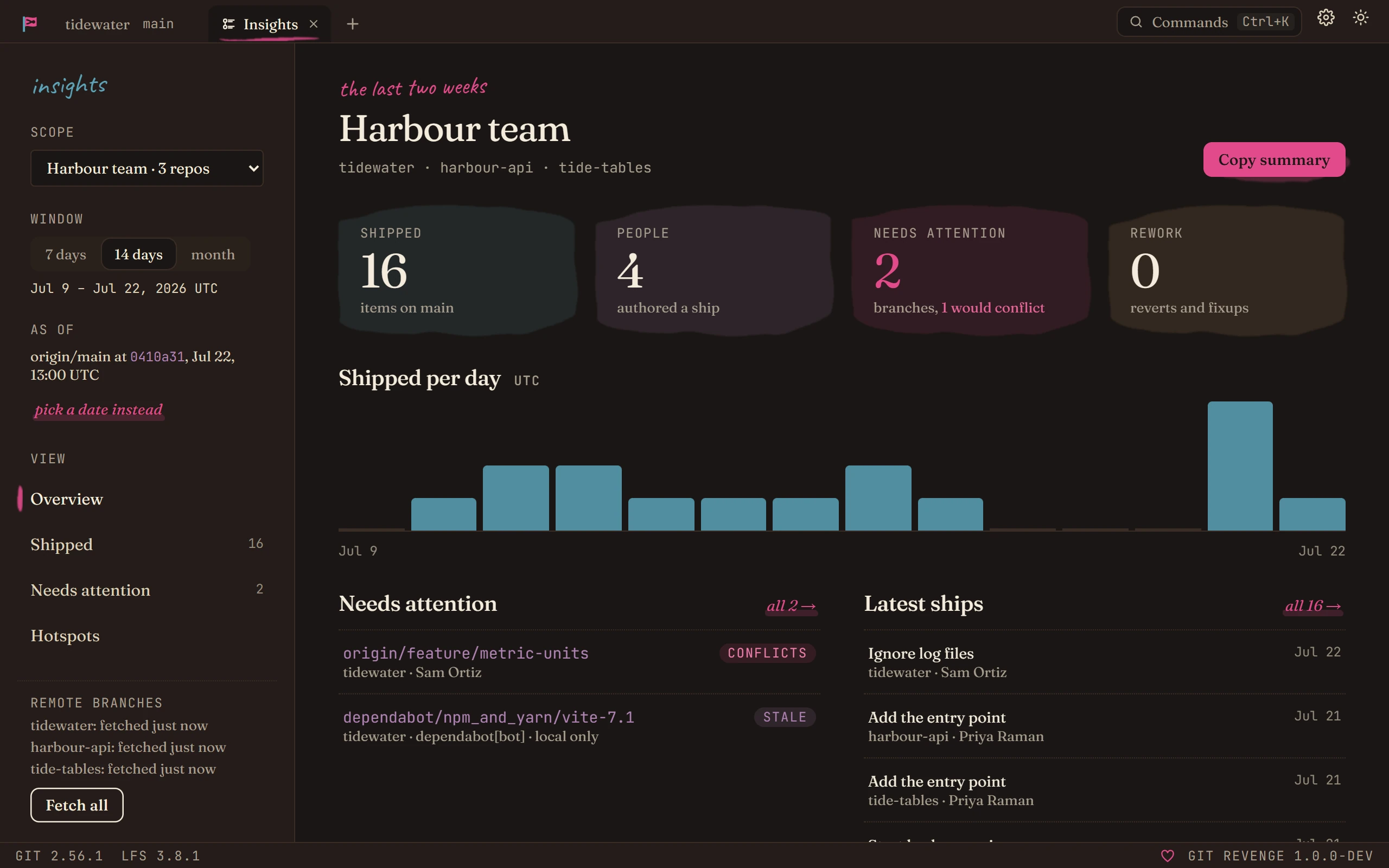
Overview
- Shipped: how many items landed on the target in the window.
- People: how many different authors those items have. Names and emails follow the repository's committed
.mailmap. - Needs attention: how many open branches are past a threshold or would conflict.
- Rework: how many reverts and
fixup!,squash!oramend!commits landed.
Below the tiles are items shipped per day, the branches that most need attention, and the latest ships. Hover over a number to see how it's measured.
Shipped
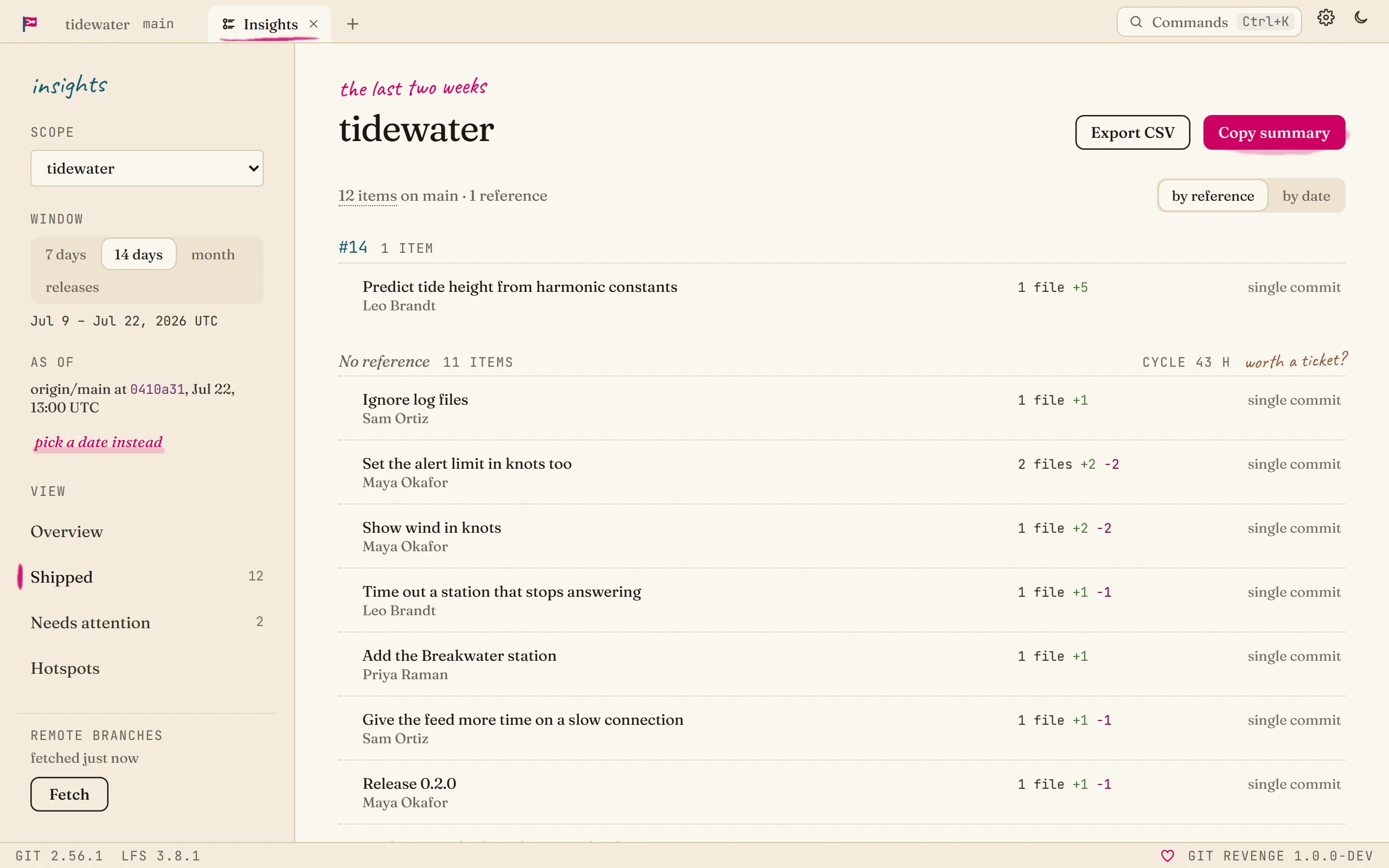
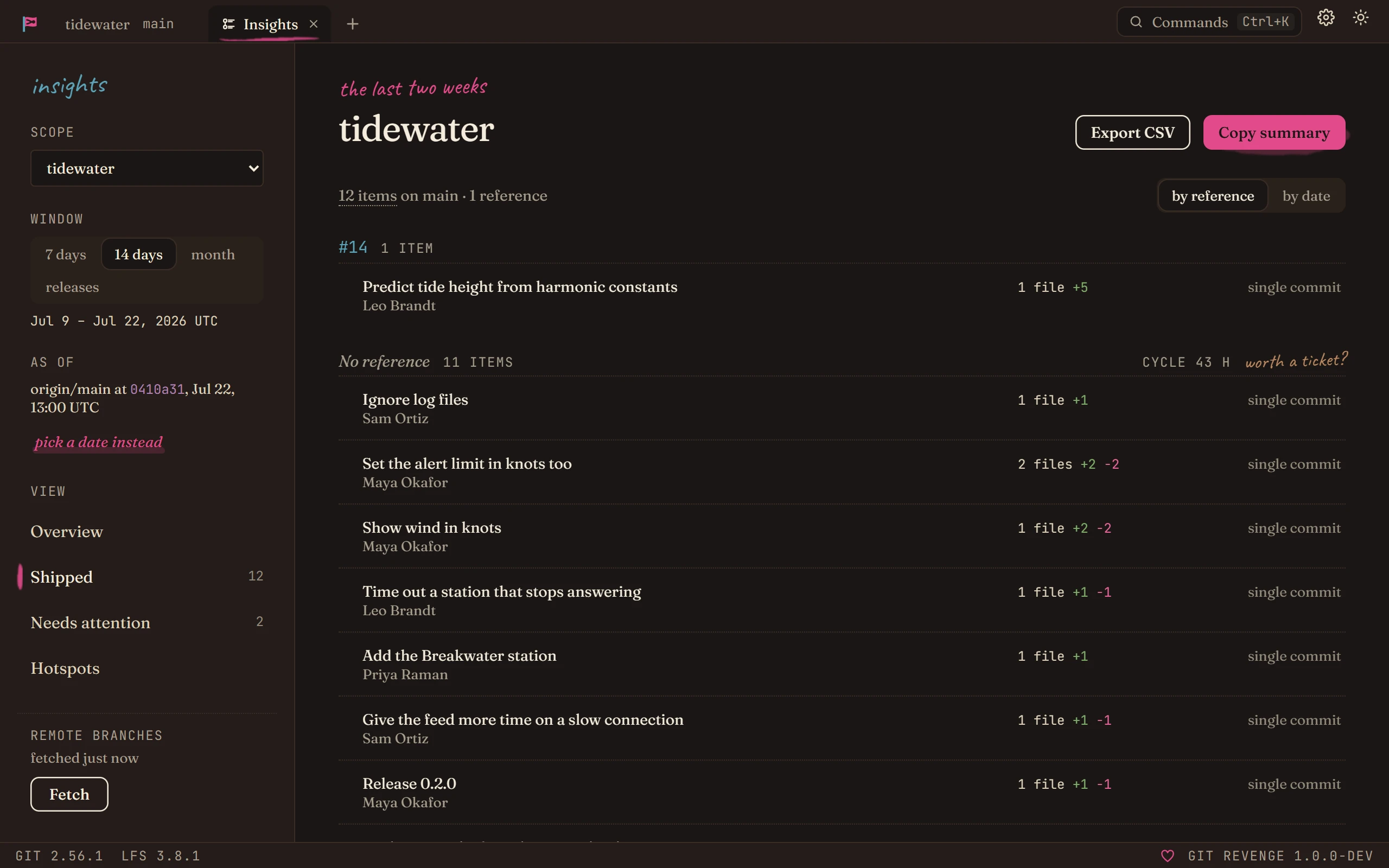
An item is one commit on the target branch's main line (its first parents). A merge commit stands for the whole branch it brought in, and a squash merge is a single item, so merge, squash and rebase workflows all count one item per piece of work.
Items are grouped by reference: ticket IDs like TIDE-88 or #41 found in the subject, or in trailers such as Refs:, Closes: or Fixes:. An item with several goes under its first. Items without one are grouped at the end.
If any of your smart links is set to count for Shipped, the references are whatever those links find instead, and each one is a link to its ticket. Switch to by date to see them day by day.
Each item shows its author, how many files and lines it changed, and its cycle time: from the merged branch's first commit to the merge. Only merge commits have one. Squash merges and direct commits don't keep the branch's history, so they say single commit rather than show a guess.
Dependency updates a bot made are listed on their own at the end, collapsed, so they don't crowd out the work people did. An item counts as one when its author is a bot (a name ending in [bot], like dependabot[bot], or one that matches the repository's bot author patterns), or when the branch a merge brought in is a Bot branch.
Needs attention
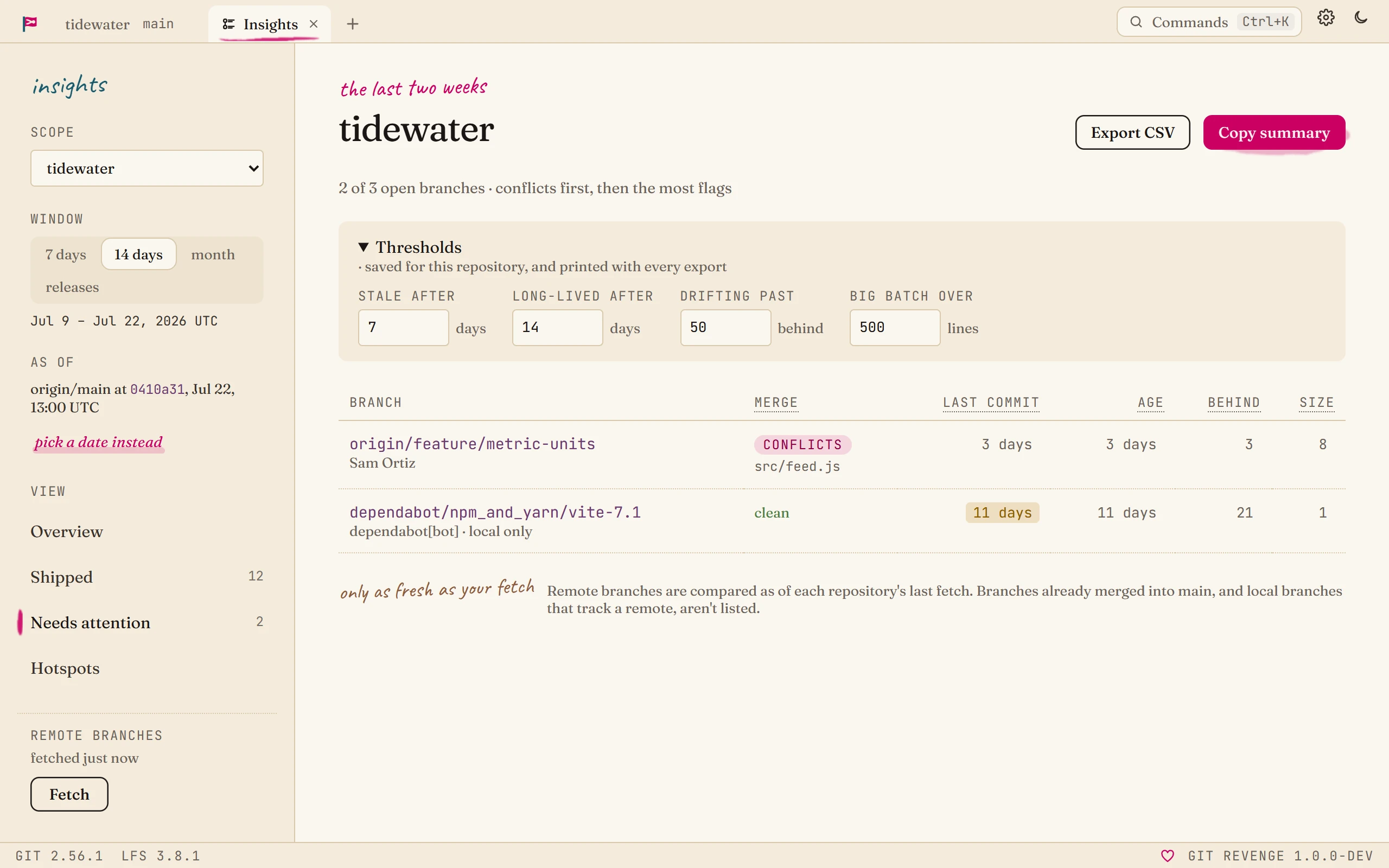
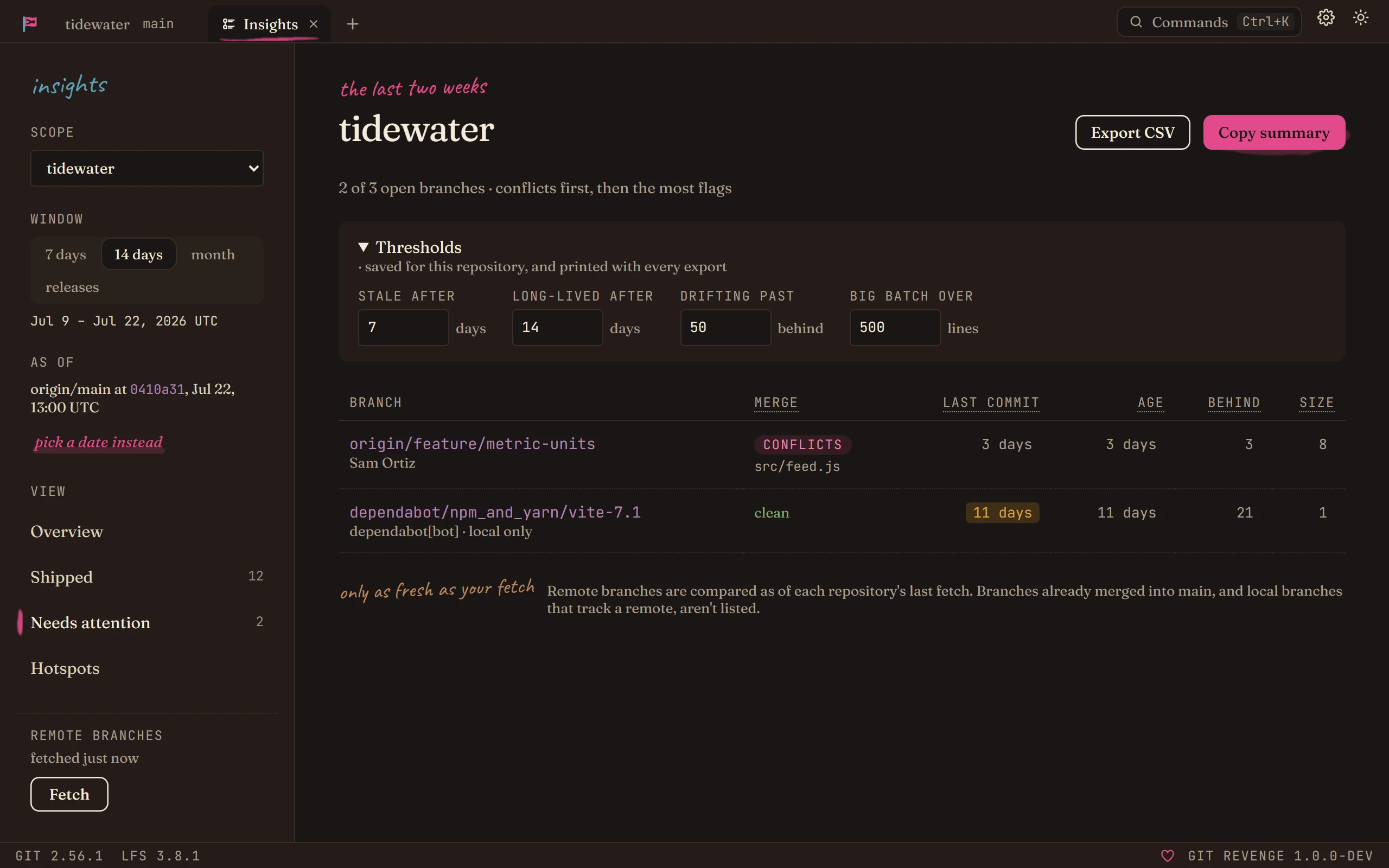
The open branches are the remote branches, plus local branches that have never been pushed (marked local only), that aren't merged into the target yet. Docs and Release branches are left out: they're end states, a published site or a release being maintained, and they're expected to drift from the target. Up to 50 of the most recently active are measured:
| Signal | Measured as | Flagged past |
|---|---|---|
| Last commit | days from the branch's last commit to the as-of point | 7 days |
| Age | days from its first commit not on the target | 14 days |
| Behind | commits on the target since the branch split off | 50 |
| Size | lines changed since the branch split off | 500 |
| Merge | a trial merge into the target, done in memory with git merge-tree, which touches nothing on disk | any conflict |
The list shows branches with a flag or a conflict: conflicts first, then the most flags. Values past their threshold are highlighted. Trial merges run in the background, so a branch can say checking… for a moment.
Change the thresholds in the panel above the list and press Apply. They're saved for that repository or group.
Hotspots
The files the window's items changed most, by lines. A file that open branches also change is flagged: it's where the next conflict is likely. Below them, Rework lists the window's reverts and fixups.
Copy summary and CSV
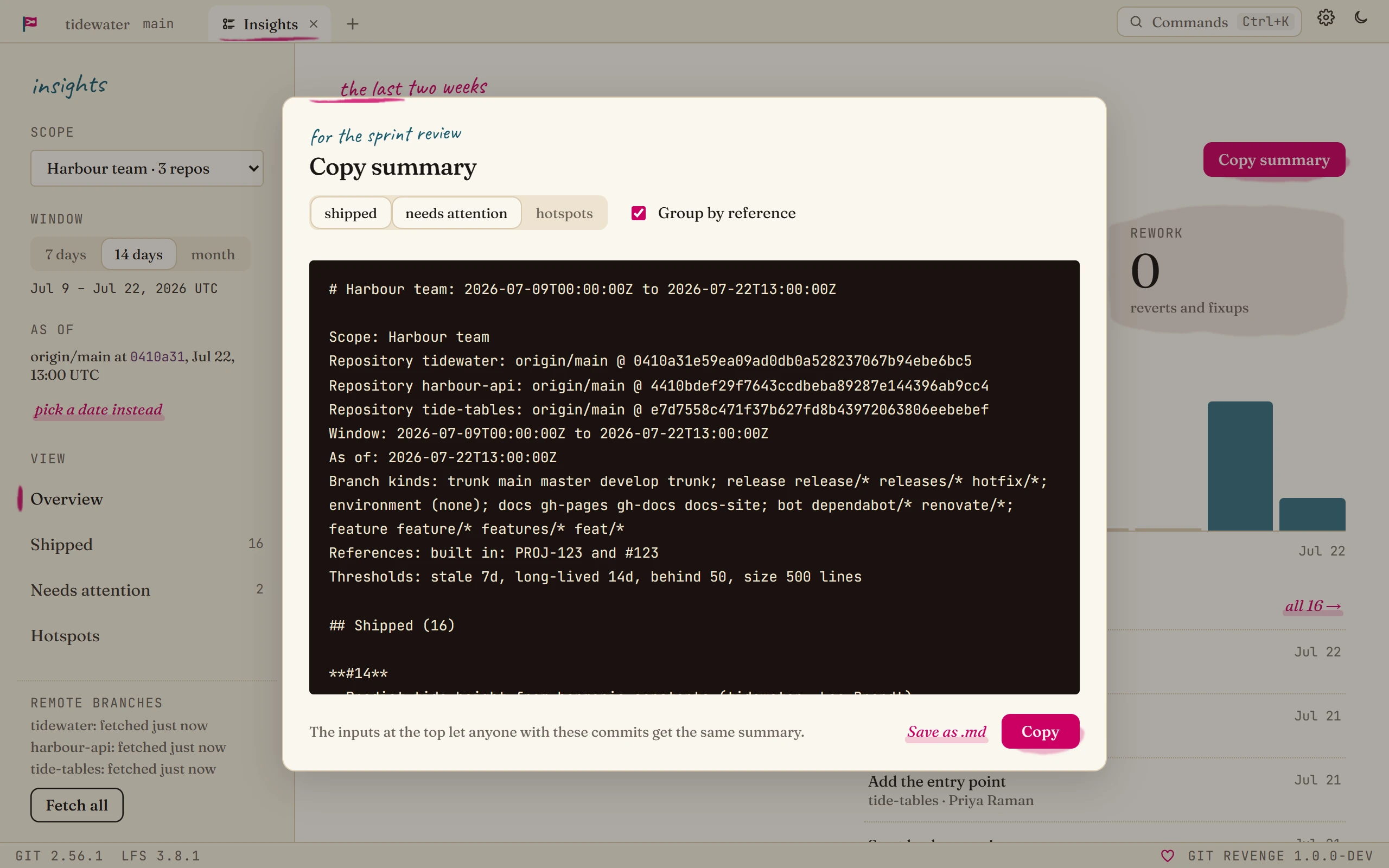
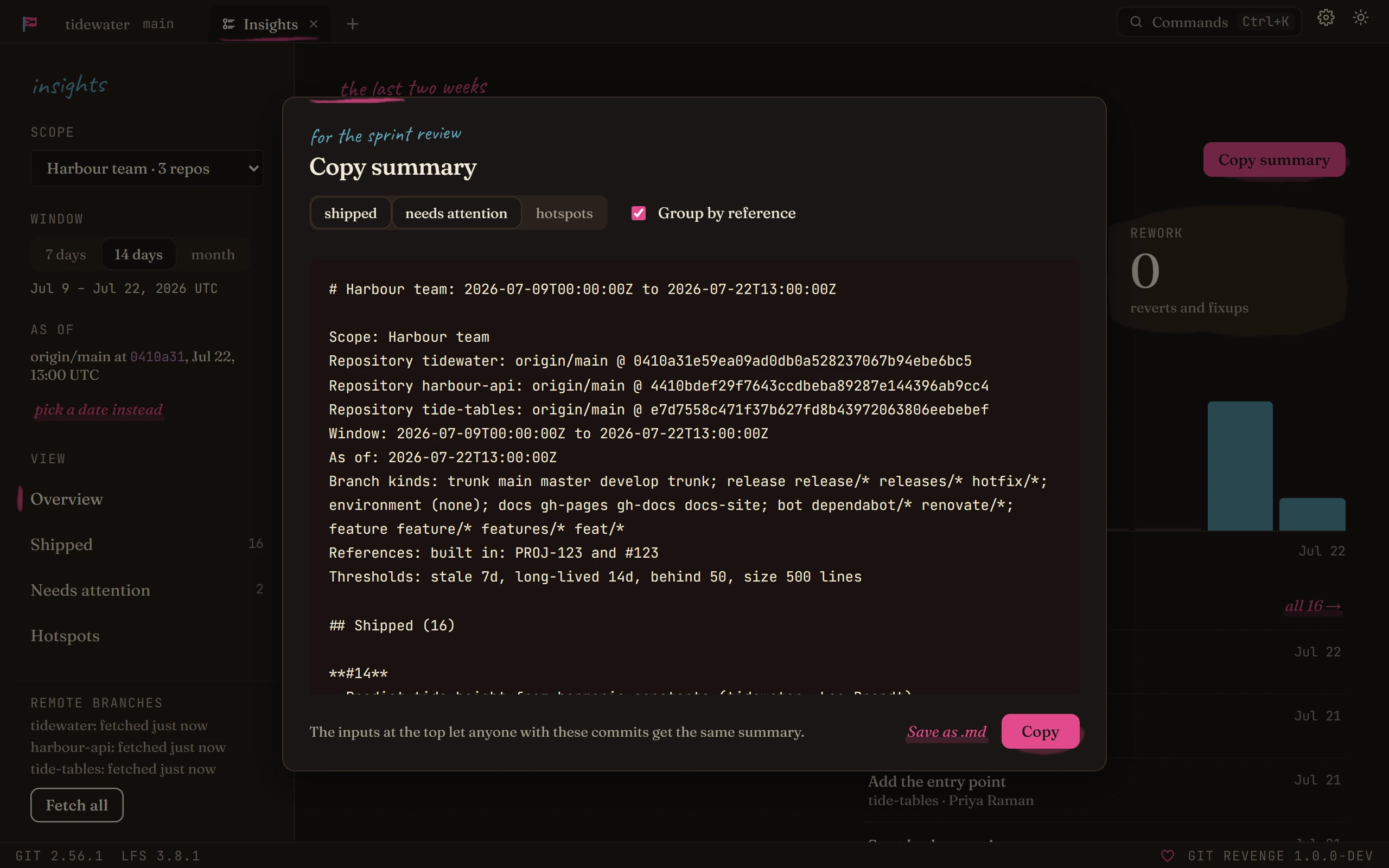
Copy summary turns the results into Markdown for review notes. Choose what to include (shipped items, branches needing attention, hotspots, grouped by reference or not), then Copy it or Save as .md. If trial merges are still running, they're listed as pending.
Export CSV, in the Shipped, Needs attention and Hotspots views, saves that list for a spreadsheet.
Both start with the inputs they came from: the scope, each repository's target branch and exact commit, the window in UTC, the as-of point, the branch kind patterns, the bot author patterns, the smart links that count for Shipped, and the thresholds. That's what makes them reproducible. Anyone with those commits, using those inputs, gets the same result. The design decision behind this is ADR 0008.
What it doesn't do
Insights only knows what git knows. It doesn't see pull requests, reviews, ticket states or story points, and it doesn't chart individual productivity.