Find a commit
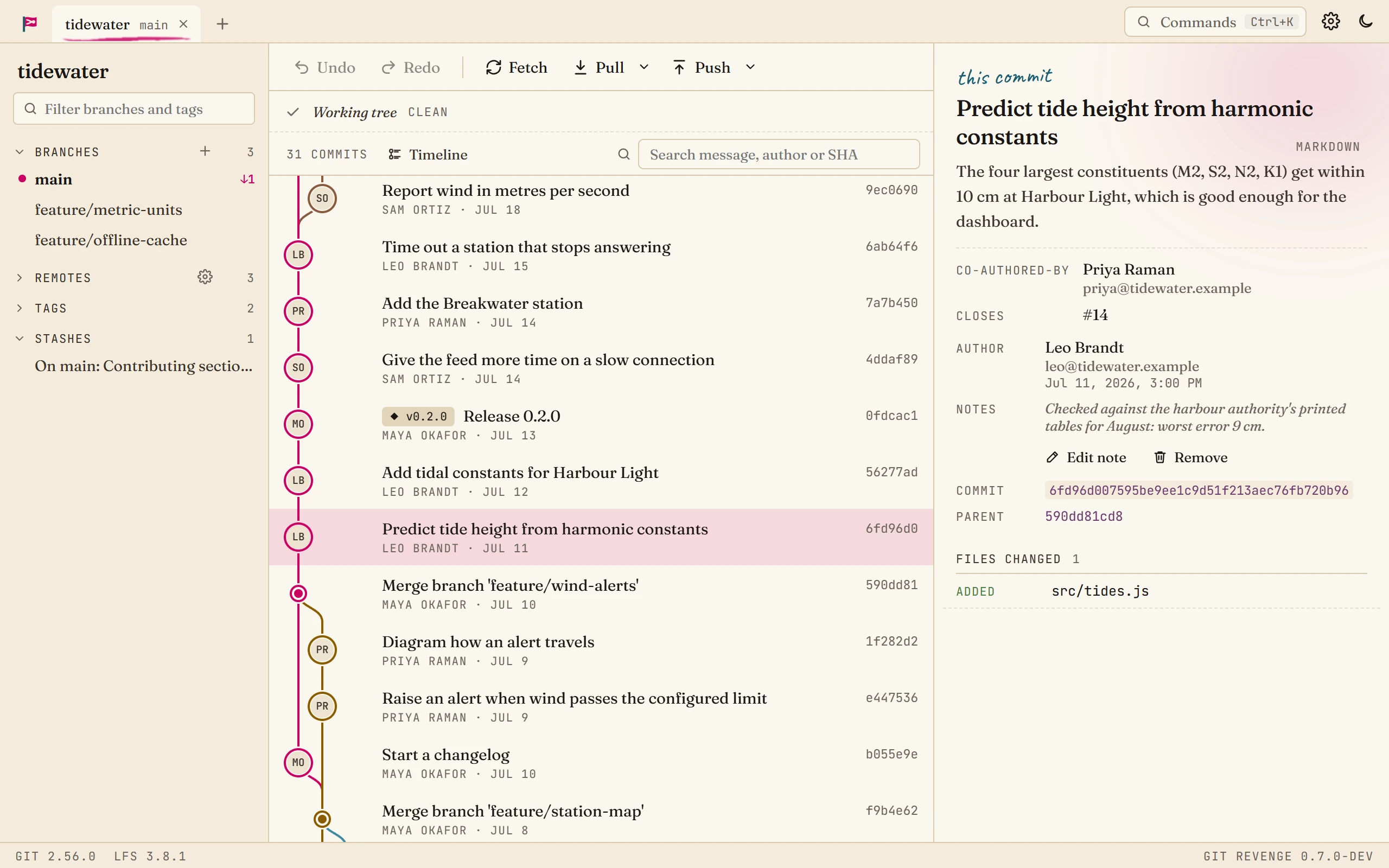
Leo remembers the tide-prediction work closed issue 14, but not when it landed. Search finds it from the trailer alone.
Steps
-
Open search. Press Ctrl+F, or click the search box above the graph.
-
Type what you know. Search looks at:
- the commit message (tide height),
- the author (Priya),
- the SHA, or the start of it (6fd96d0),
- a trailer, such as
Closes: #14orCo-authored-by: Priya.
-
Step through the matches. Enter goes to the next match and Shift+Enter to the previous one. The counter in the box shows which match you're on. Commits that don't match fade, so the matches stand out.
-
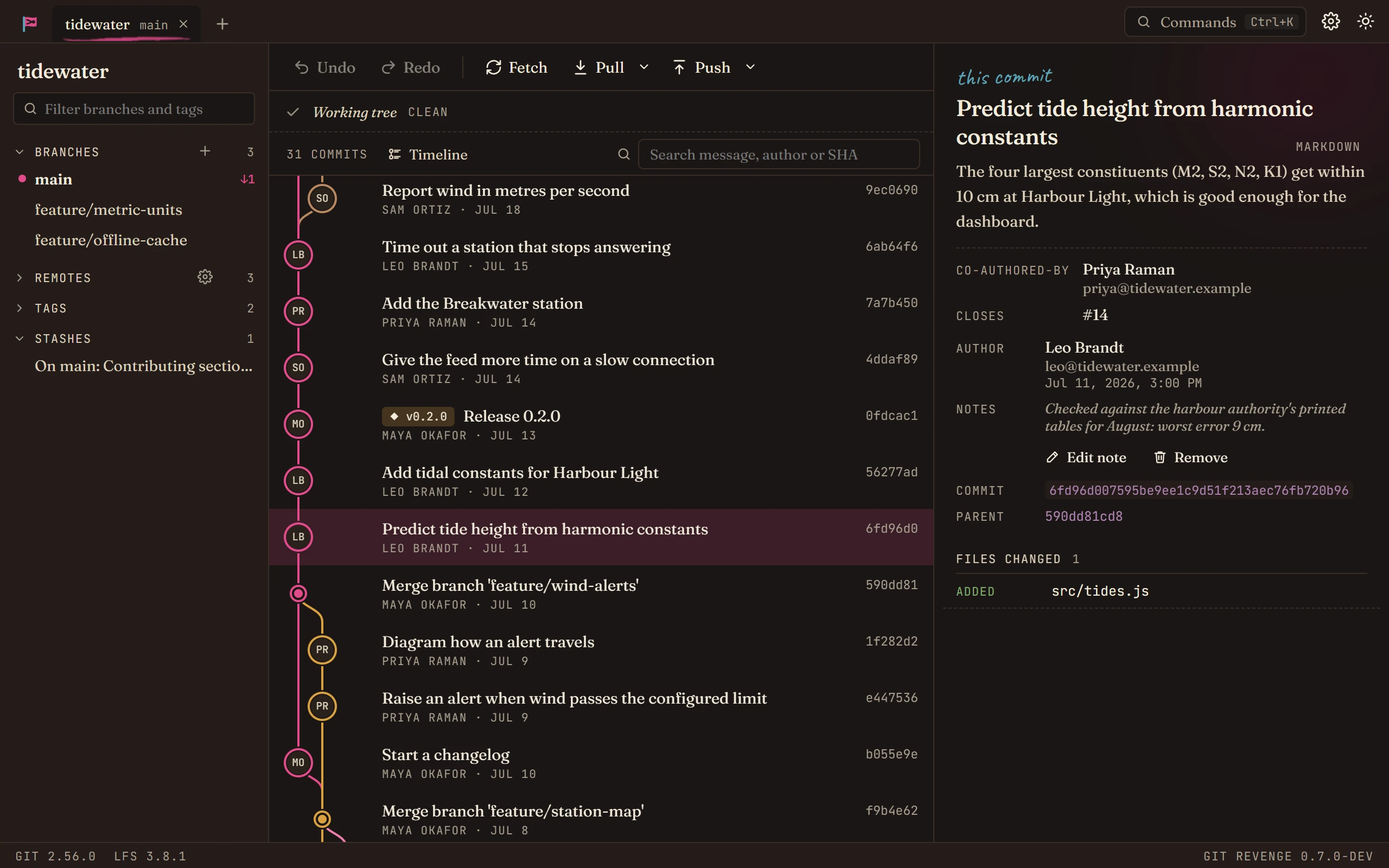
Look closer. The selected commit's details show on the right. Trailers are listed on their own, and clicking one searches for every commit with the same trailer.
Good to know
-
Search covers the whole history. On a big repository the graph only loads what's near the screen, but search looks further back, and loads the history up to each match as you reach it.
-
For a file's history, open the file from any commit and choose History. Blame shows who last changed each line.


-
For branches and tags, type in the box at the top of the sidebar.