Tidy a branch before you share it


Priya's feature/offline-cache branch works, but its history tells the story of getting there: a commit called wip, a fixup! for an earlier commit, and a debugging commit that should never have been committed. Before she opens a pull request, she wants two clean commits.
That's what interactive rebase is for: it rewrites a branch's recent commits, letting you squash, reword, reorder and drop them.
Steps
-
Check out the branch. Double-click
feature/offline-cachein the sidebar. -
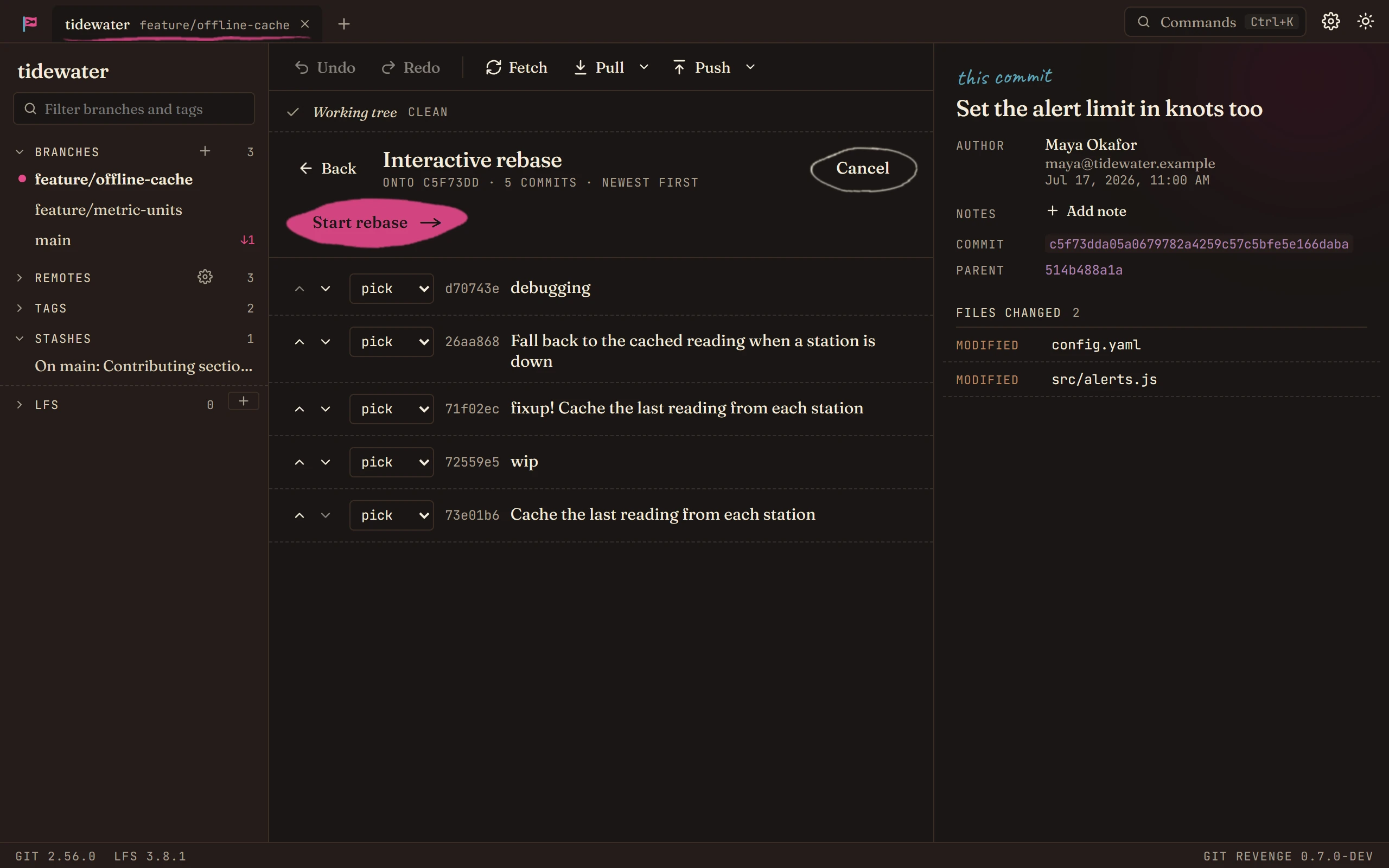
Open the rebase editor. In the graph, right-click the commit the branch started from (here,
main's Set the alert limit in knots too) and choose Interactive rebase feature/offline-cache from here…. The editor lists every commit after that one, newest first.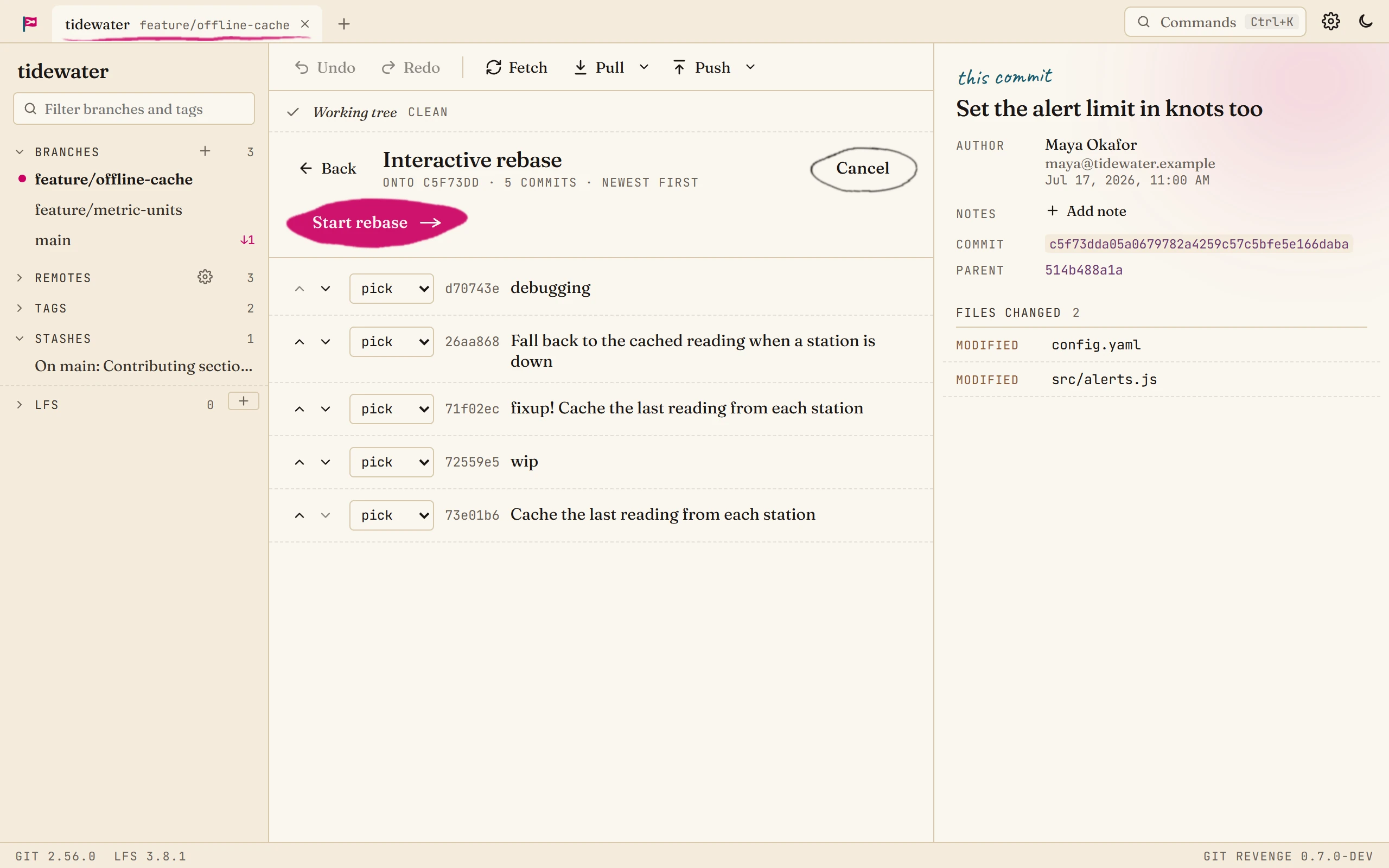
-
Choose what happens to each commit. Each commit has a menu:
Action What it does pick Keep the commit as it is. reword Keep it, with a new message. A box opens for the message. squash Fold it into the commit below it, and combine both messages. fixup Fold it into the commit below it, and keep only that commit's message. drop Remove the commit and its changes. For Priya's branch: drop debugging, fixup the fixup! commit, and squash wip. Squash starts the message from both commits, the way git does; edit it in the box that opens.
The arrows on the left move a commit up or down, to reorder them.
-
Start the rebase. Click Start rebase. Git Revenge rewrites the branch, and the graph shows the result: two commits where there were five.
If it stops partway
A rebase stops if a commit doesn't apply cleanly. A banner at the top says so, with Continue, Skip and Abort. Fix the conflict as in Resolve a merge conflict, then Continue. Abort puts the branch back exactly as it was.
Good to know
- It's undoable. Ctrl+Z puts the branch back the way it was before the rebase.
- Only rewrite what you haven't shared. Rebasing gives commits new SHAs. If others have already pulled the branch, they'll have to reconcile their copy with yours, so tidy up before you push, or warn them.
- Pushing afterwards. A branch that's already on the remote needs a force push once it's rewritten. Use Force push (with lease) from the arrow next to Push. With lease means it refuses if someone else has pushed to the branch since you last fetched, so you can't overwrite their work by accident.