Stage and commit

You've changed a file, and want to commit some of it now and keep the rest for later. Here, Maya has reworded the wind alert in src/alerts.js and added a small helper in src/units.js, which is already staged.
Steps
-

See what's changed. Click Uncommitted changes at the top of the graph. The panel on the right splits your changes into unstaged (not going into the next commit) and staged (going in).
-
Open the file. Click
src/alerts.js. Its diff opens in the middle of the window, in the Unified layout.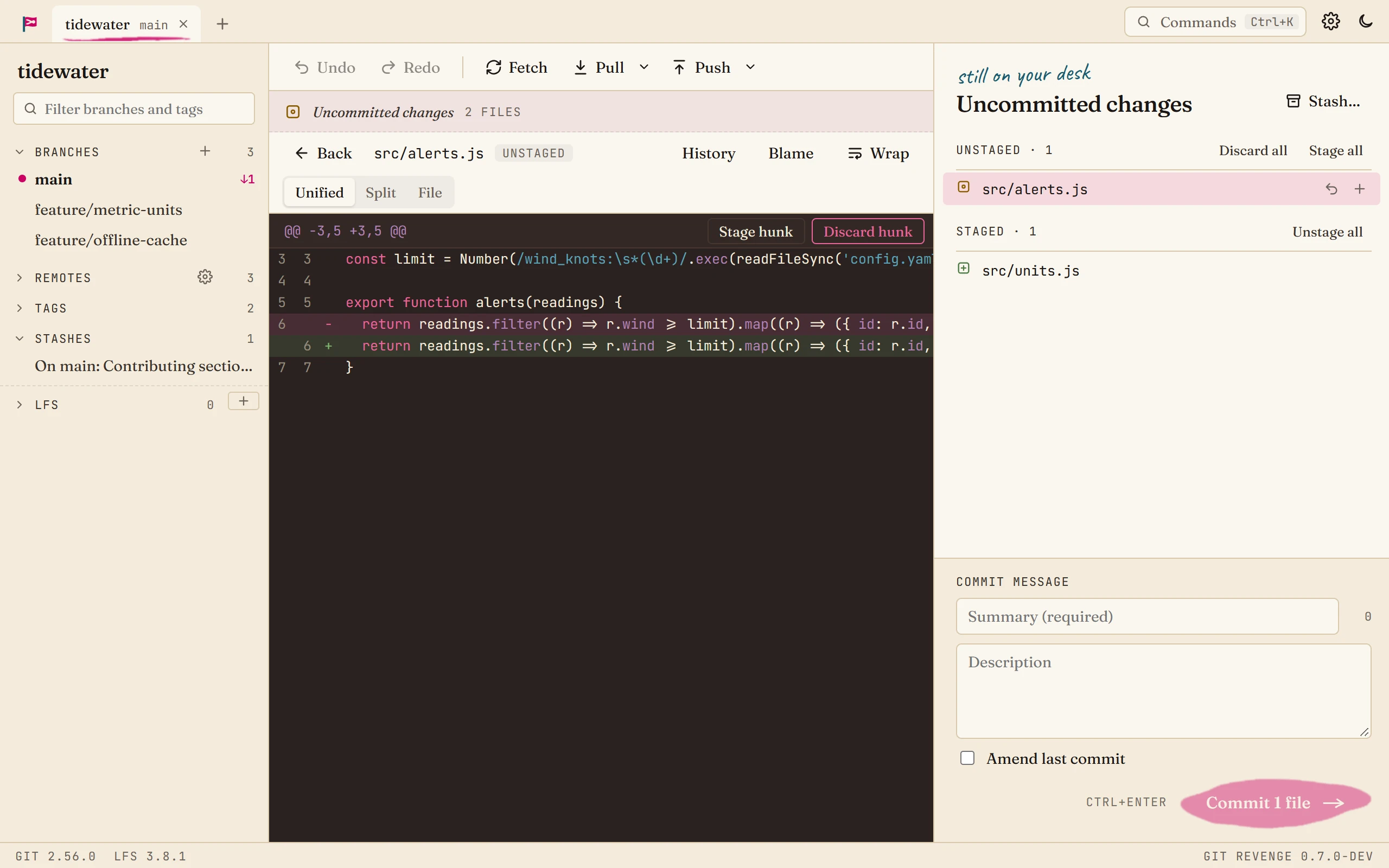
-
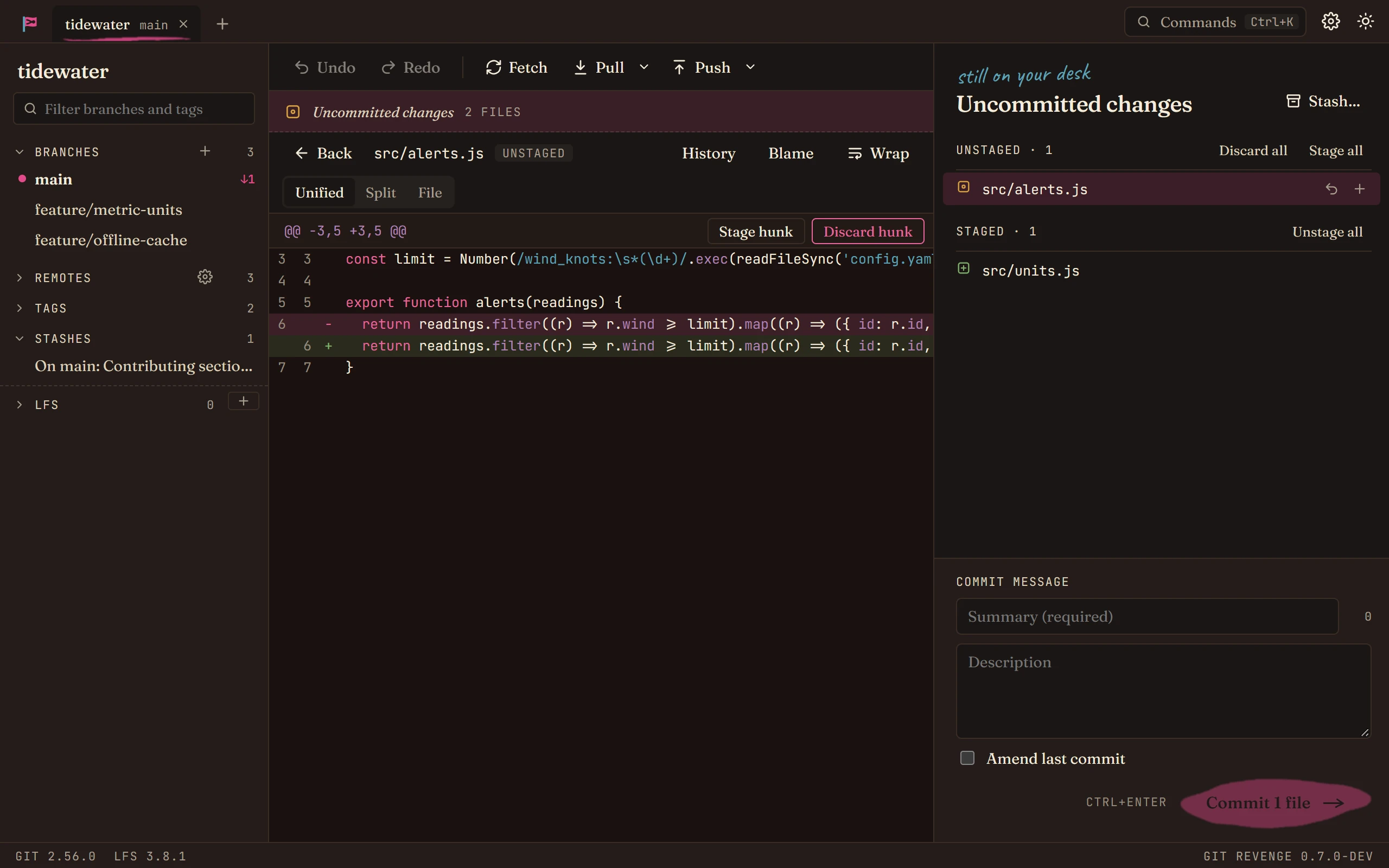
Stage what you want. Each block of changes (a hunk) has a Stage hunk button. To stage only some lines of a hunk, select them first. Anything you don't stage stays in your working tree, untouched.
To stage a whole file, use the + next to it in the panel. Stage all stages everything.
-
Go back to the graph. Press Escape.
-
Write the message. Type a summary in Summary. Keep it under about 72 characters; the counter next to it changes colour when it's longer. Add a Description if the change needs explaining.
-
Commit. Press Ctrl+Enter, or click Commit. The new commit appears at the top of the graph.
Good to know
- Changed your mind? Ctrl+Z undoes the commit and leaves its changes staged, so nothing is lost. See Undo a mistake.
- Forgot something? Stage it, tick Amend last commit, and commit again. The last commit is replaced, message included, so you can fix that too.
- Discarding is permanent. Discard hunk and the discard buttons throw changes away, so each asks you to confirm first.
- Signed commits. If your git config signs commits, so does Git Revenge. Nothing to set up.