Look after several repositories
Tidewater is three repositories: the dashboard, harbour-api and tide-tables. Each morning Leo wants to know which of them have changes he hasn't pulled, and which have work he hasn't committed, without opening each one.
Make a group
-
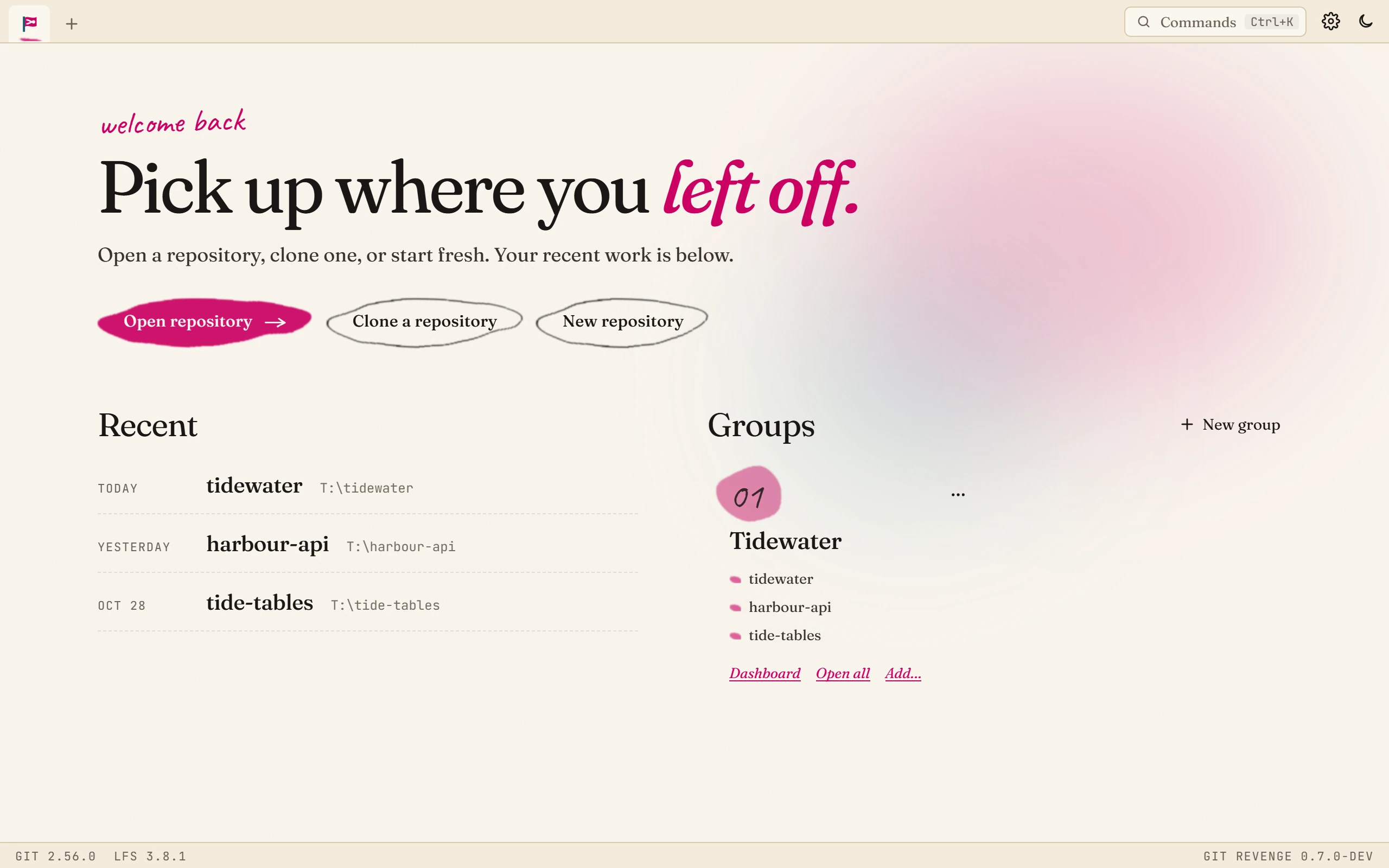
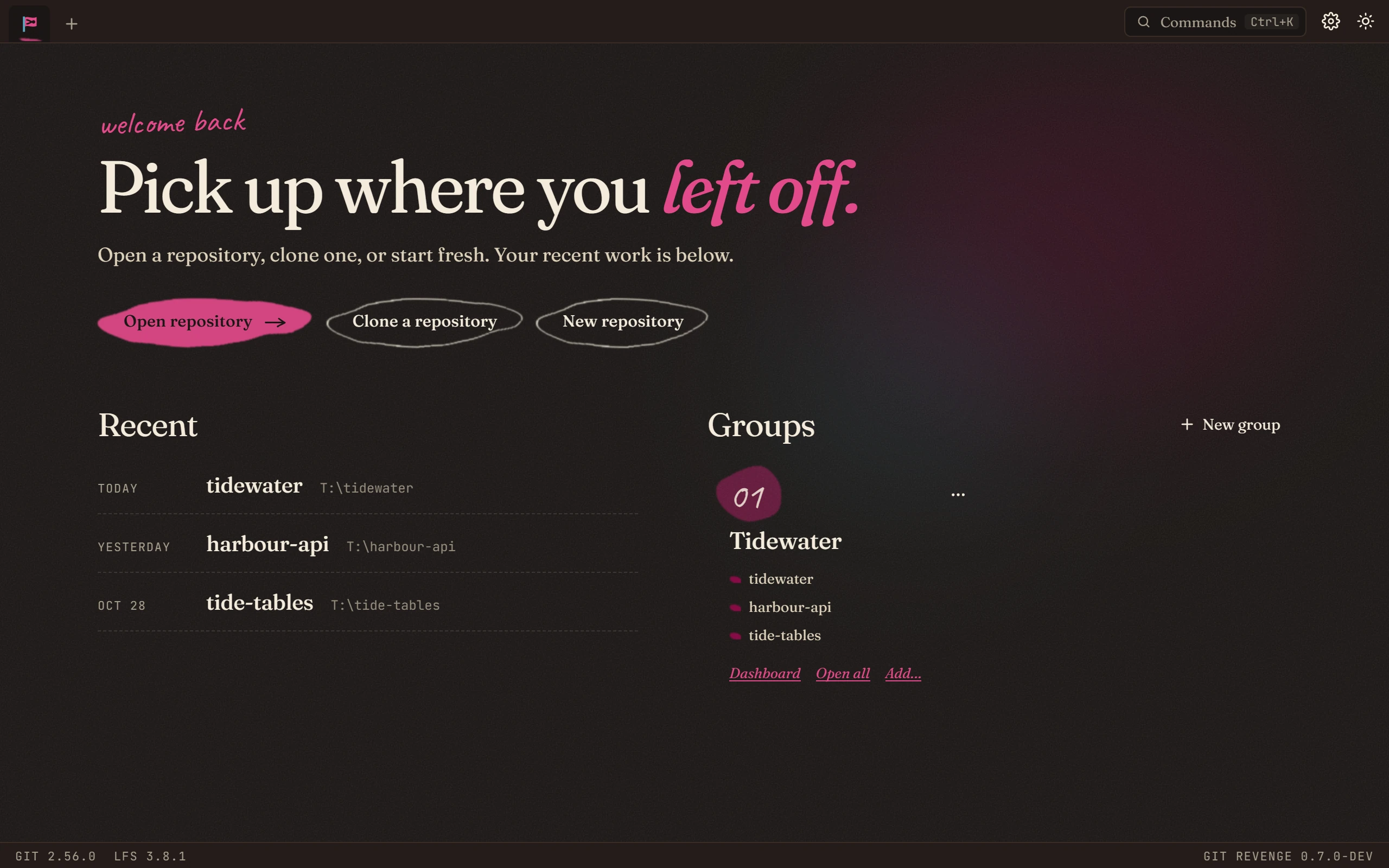
Go to the start page: click the flag at the top left, or press Ctrl+Shift+H.
-
Click New group and name it.
-
Click Add… under the group and choose each repository's folder.
Use the dashboard
Click Dashboard under the group. It shows every repository in the group on one screen:
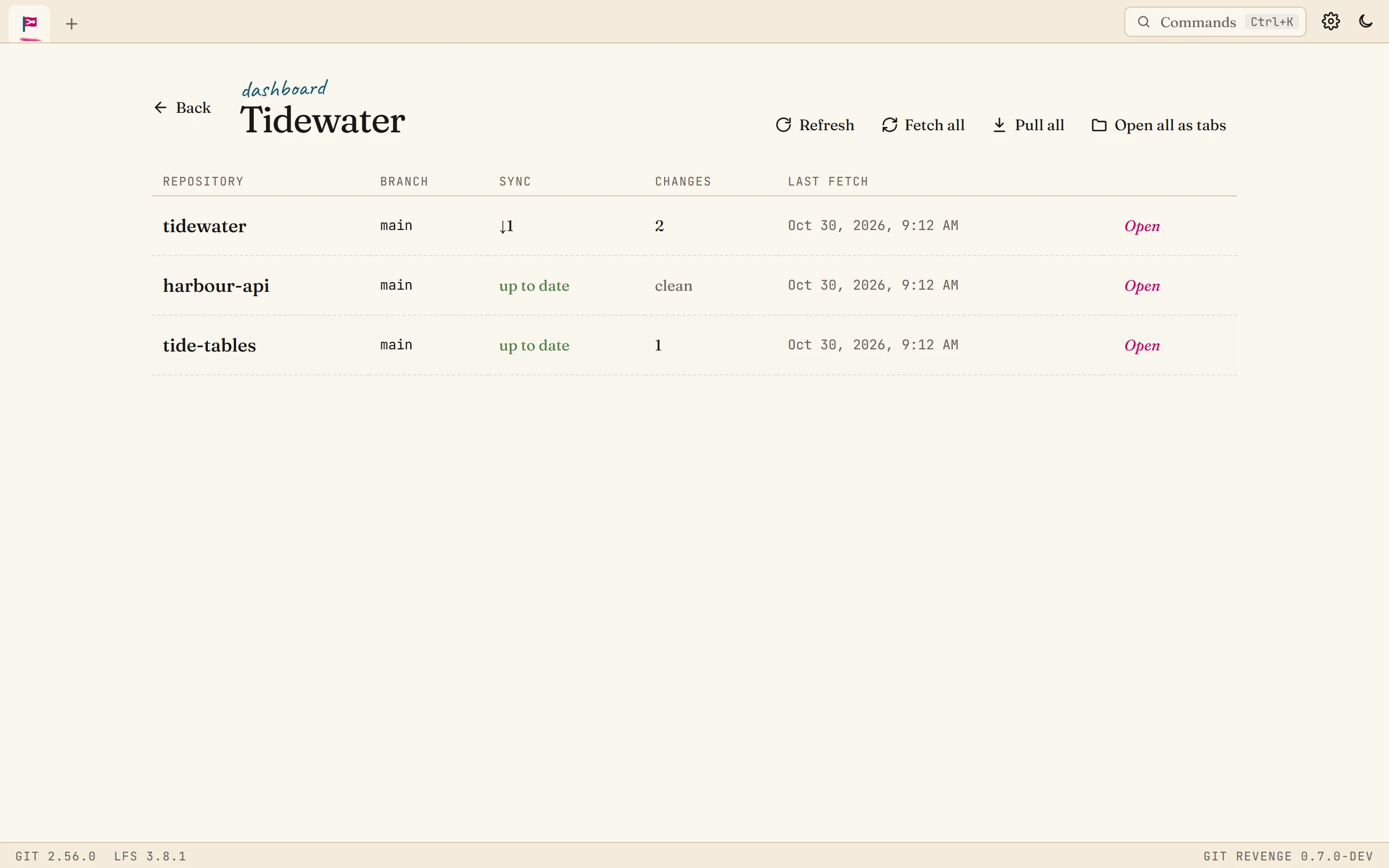
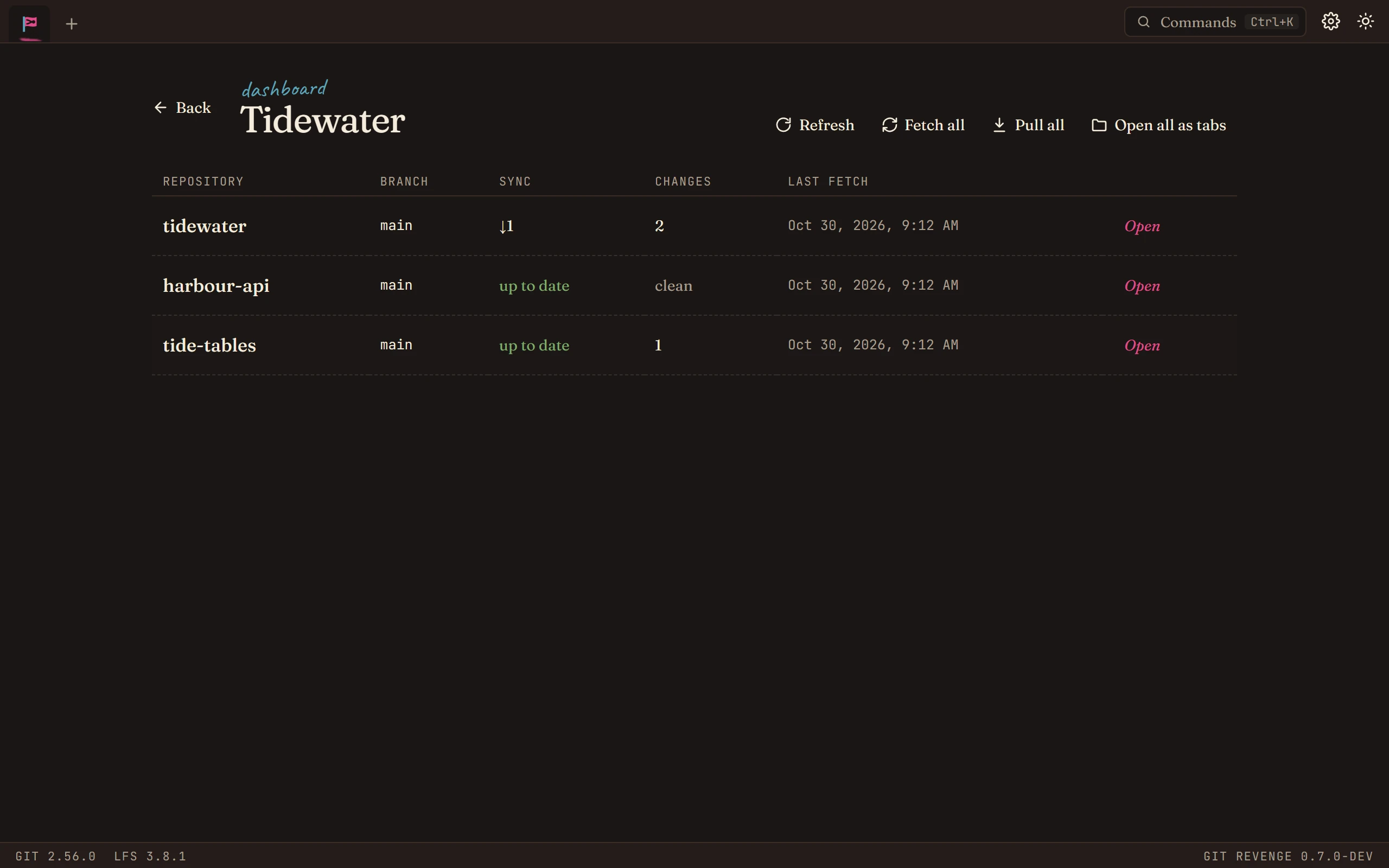
| Column | Shows |
|---|---|
| Branch | The branch checked out. |
| Sync | How far ahead (↑) or behind (↓) its upstream it is, or up to date. |
| Changes | How many files have uncommitted changes, or clean. |
| Last fetch | When it last heard from its remote. |
- Fetch all fetches every repository in the group.
- Pull all pulls them, fast-forward only. A repository whose branch has diverged from its upstream is reported and left alone, never merged, so a batch pull can't surprise you.
- Open opens one repository in a tab; Open all as tabs opens the lot.
Good to know
- Groups are only a list. Removing a repository from a group, or deleting the group, doesn't touch the repositories.
- Worktrees are the other way to work on several things at once: two branches of the same repository, checked out side by side in different folders. Manage worktrees… in the command palette sets them up. See Repositories and tabs.