Undo a mistake
Maya meant to look at feature/offline-cache, and merged it into main instead. One keystroke takes it back.
Undo and redo


Press Ctrl+Z to undo the last operation, and Ctrl+Shift+Z to redo it. The Undo button in the toolbar, and the command palette, name what will be undone (Undo: Merge feature/offline-cache) so you can check before you press.
You can undo commits, checkouts, merges, cherry-picks, rebases, resets, reverts and pulls, and several in a row.
Undoing a commit keeps its changes staged, so you can fix them and commit again.
When undo says no
Undo only acts while the repository is exactly where that operation left it. If something has moved since, such as another commit or a checkout in a terminal, it refuses rather than guess, and says so. Nothing is lost when that happens: the reflog still has every earlier state.
Finding lost work with the reflog
Git keeps a record of everywhere HEAD and each branch have been, called the reflog. A commit you reset away, or rewrote in a rebase, is still in there for weeks afterwards.
-
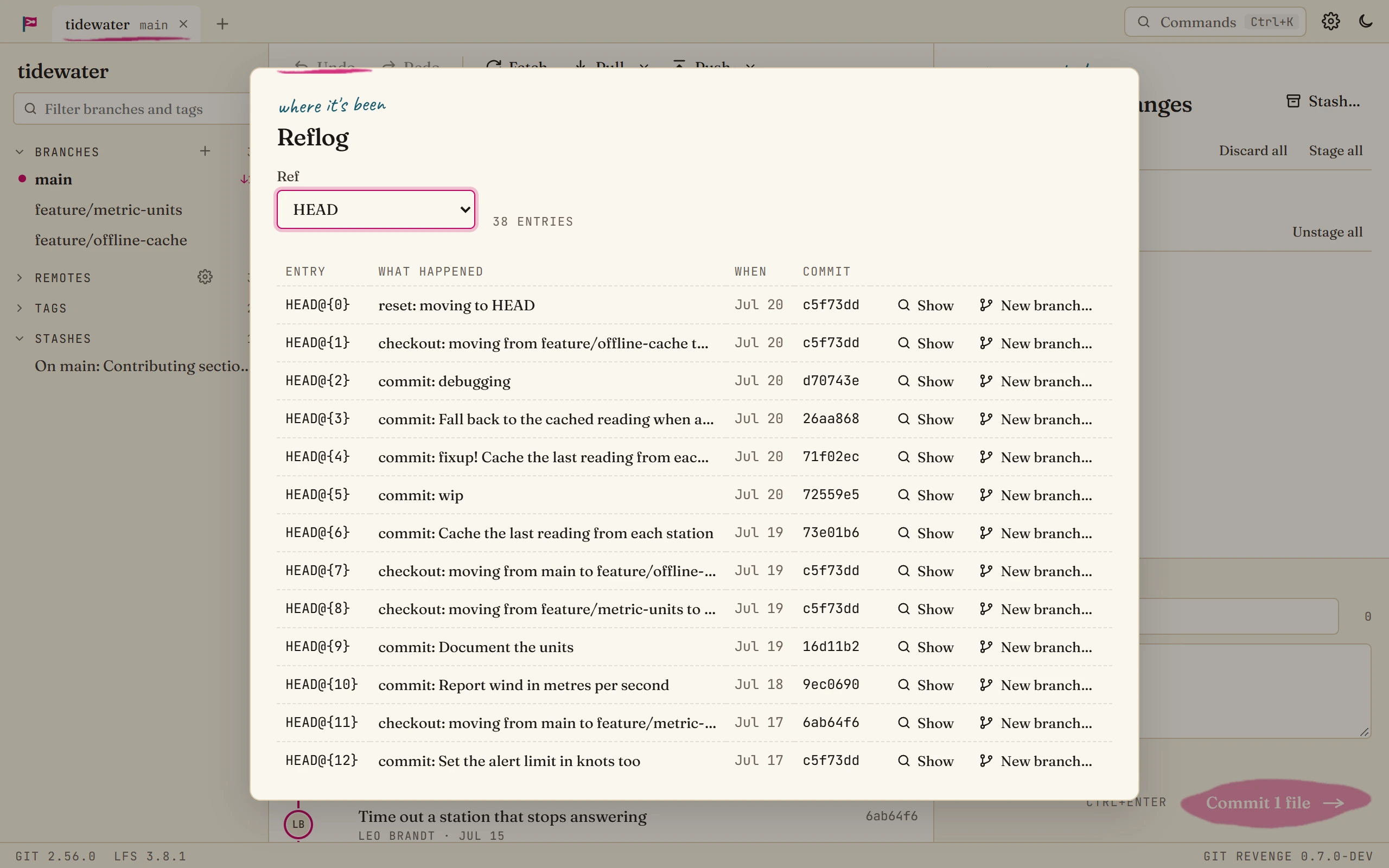
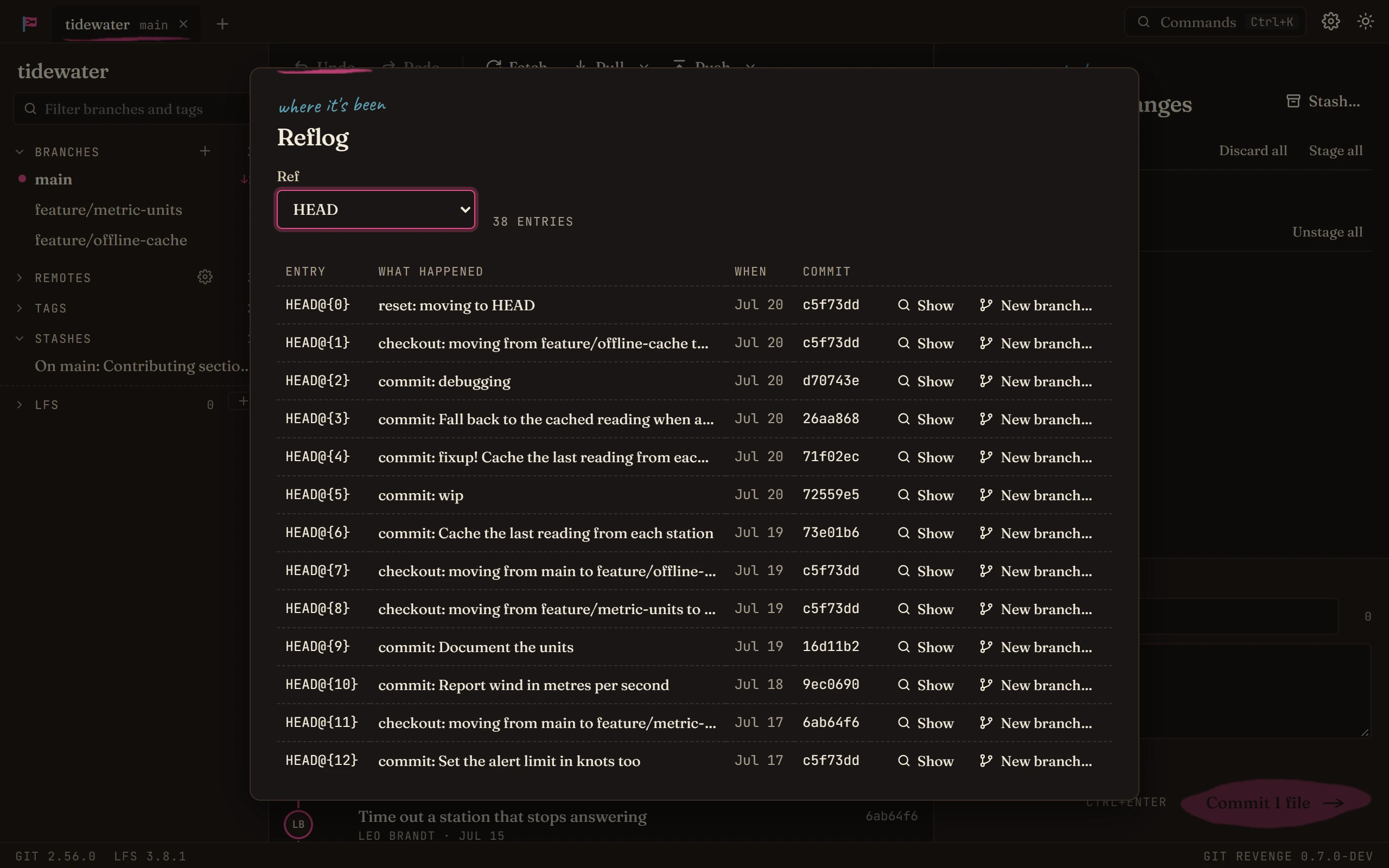
Open the command palette (Ctrl+K) and choose Show the reflog…. To see one branch's history instead, right-click the branch and choose Reflog of ….
-
Find the entry from just before things went wrong. Each line says what happened (commit, checkout, reset, rebase) and when.
-
Show jumps to that commit in the graph. New branch… puts a branch there, which brings the work back for good.
Good to know
- Discarded changes are different. Changes you discard from the working tree were never committed, so neither undo nor the reflog can bring them back. That's why discarding asks first.
- Stashes are safer than discarding. If you're not sure you'll need some changes, Stash them instead. They're listed in the sidebar until you apply or drop them.